Mapped Folders Window
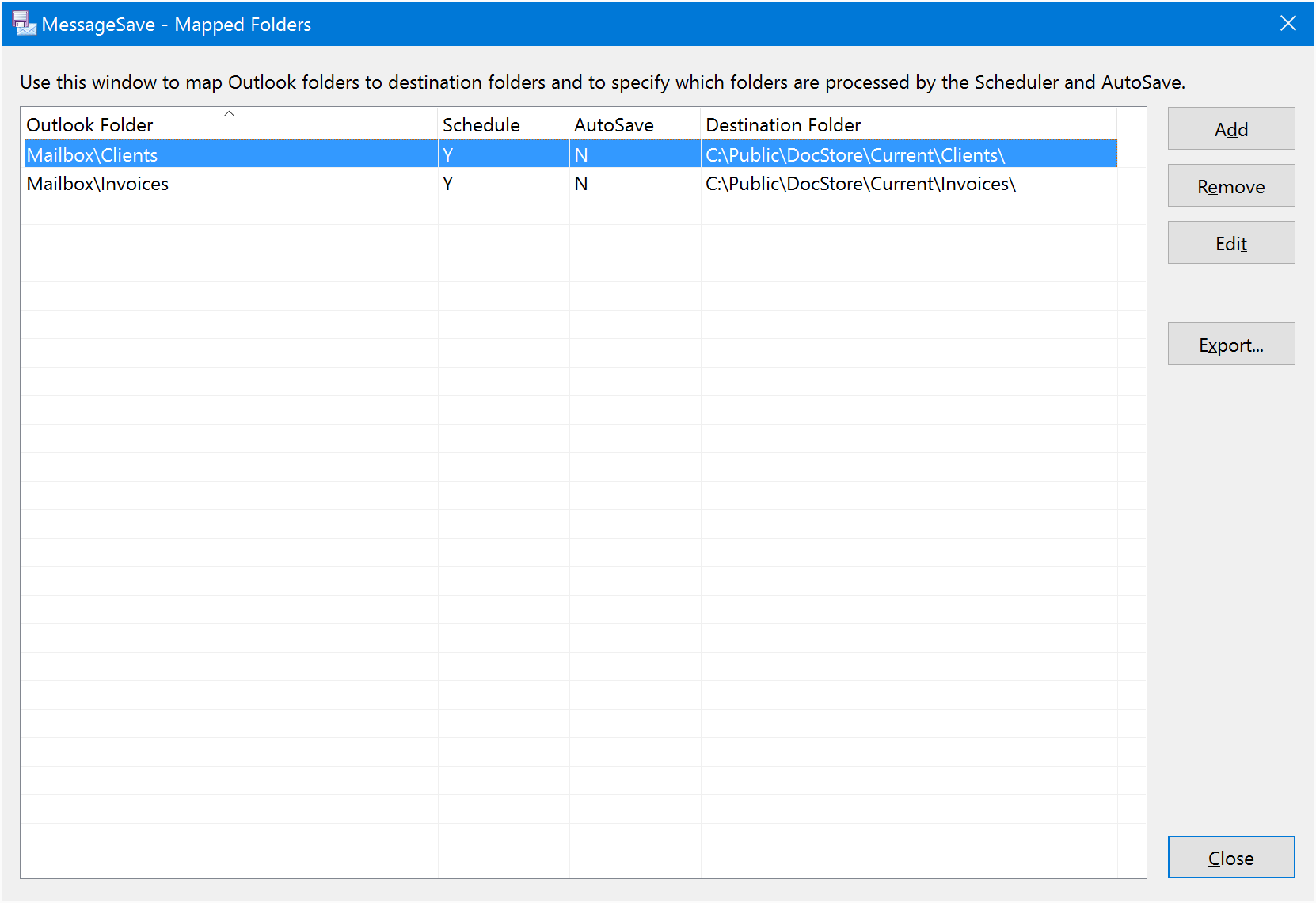
Use this window to map Outlook folders to the corresponding destination folders. For each folder, you can configure destination folder and whether you would like to AutoSave messages from that folder.
For every mapped Outlook folder, this window displays the following fields:
- Outlook folder path.
- Destination folder path.
- Whether the Scheduler is enabled on this folder.
- Whether AutoSave is enabled on this folder.
Mapped Folders Window Options
-
Add (Mapped Folder)¶ Create a new folder mapping
-
Remove (Mapped Folder)¶ Remove an existing mapping.
-
Edit (Mapped Folder)¶ Edit the mapping selected in the mapping list.
-
Cleanup (Mapped Folder)¶ This commands allow you to delete multiple mappings in one shot. They are useful when you rearrange folders and need to cleanup old mappings.
- Delete mappings for Outlook folders which do not exist anymore.
- Delete mappings for Destination folders which do not exist anymore.